If a student says their Chromebook will not turn on, this quick reset often wakes the device straight away.
Ask the student to try this
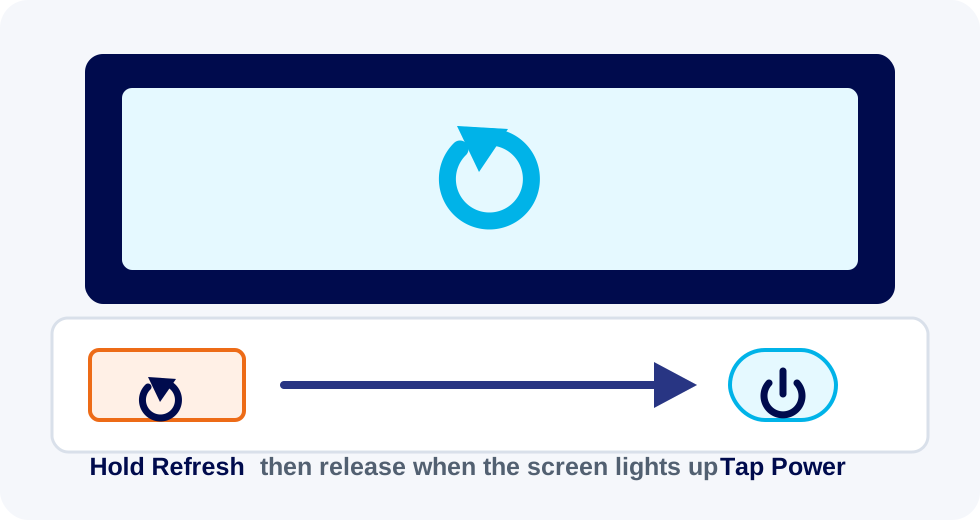
- Hold down the Refresh key, which looks like a circular arrow.
- While still holding Refresh, tap the Power button once.
- Let go of Refresh when the screen lights up.
If the Chromebook still does not respond, plug it into charge for a few minutes and submit a support ticket.